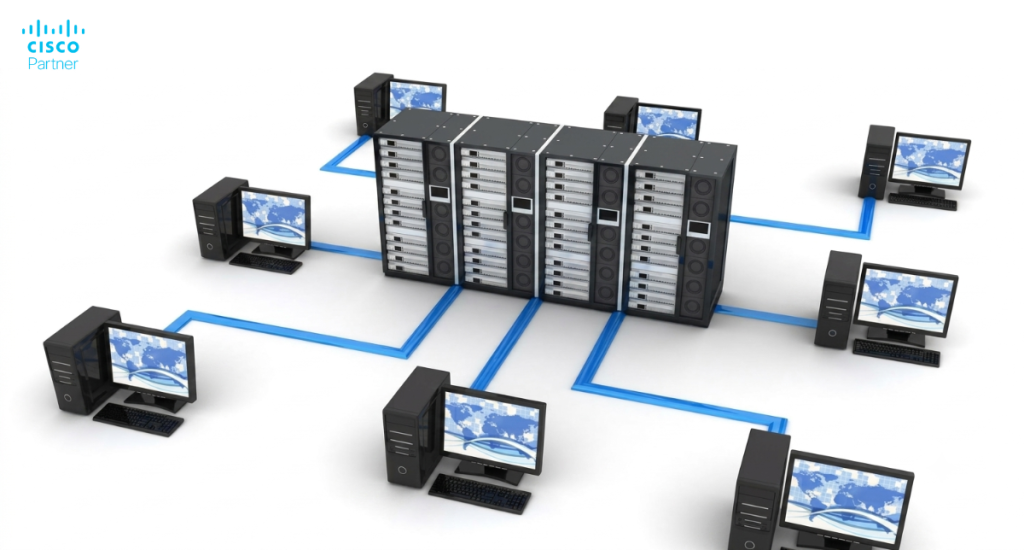
Reliable and secure wireless networks are crucial for both businesses and home networks. A strong network ensures smooth operations, enhances productivity, and supports the increasing number of connected devices in the workplace or within a residence. It also enables seamless communication and collaboration between employees, whether they are in the office or working remotely.
Moreover, secure internet connectivity is essential for protecting sensitive business data and maintaining trust. With the rise in cyberattacks, businesses cannot afford to compromise on network security or reliable internet access. Investing in robust wireless solutions like Meraki and Meraki Go helps businesses safeguard their data and maintain the trust of their customers and partners. But what is better for you? Read on for information on Meraki Go vs. Meraki!
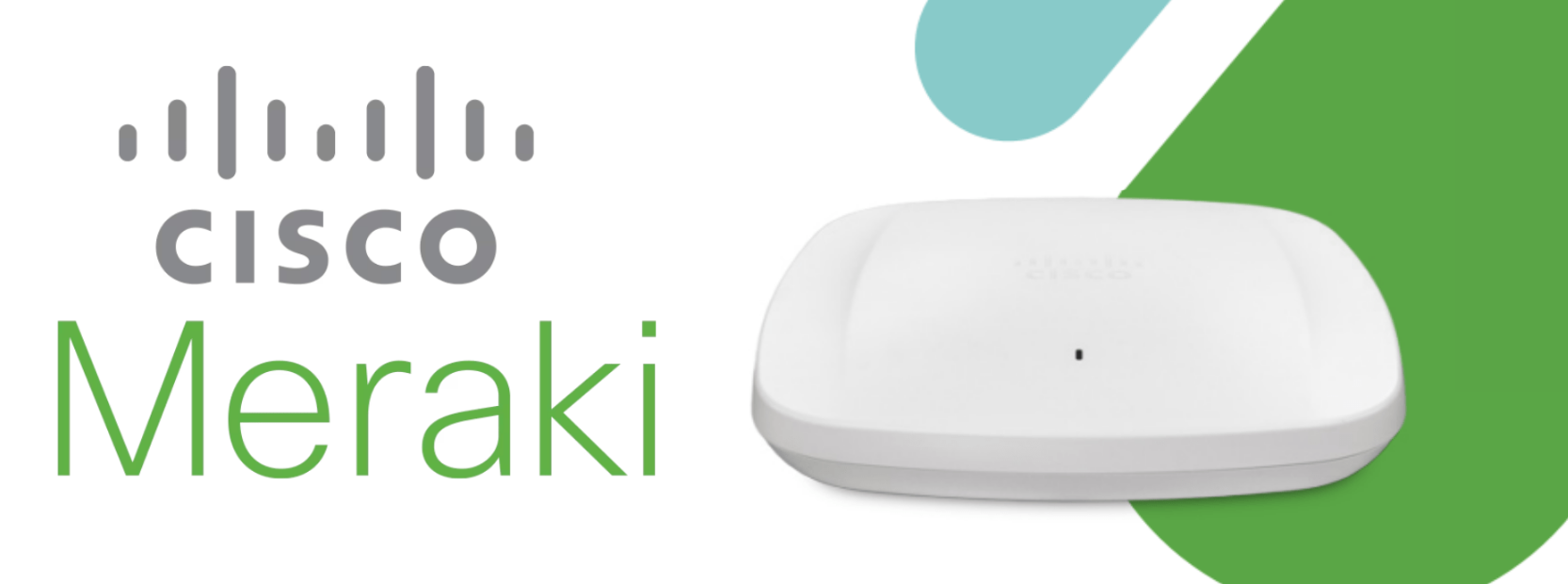
Meraki is one of Cisco’s product lines, designed for businesses that require advanced networking solutions. Cisco offers multiple product lines, including Meraki Go for small businesses and the main Meraki series for enterprise needs. Meraki provides a comprehensive range of devices, including wireless access points, switches, security appliances, and more. An access point is a wireless connectivity device that creates WiFi coverage within a network, integrating with switches and routers to improve network performance, reliability, and management. These devices are managed through a centralized dashboard, allowing IT administrators to monitor and control their network from anywhere.
The key features of Meraki include robust security, detailed analytics, and seamless scalability. It is suitable for large enterprises, educational institutions, and organizations with complex networking needs. Meraki’s cloud-based management system ensures that businesses can easily expand their network as they grow, without compromising on performance or security.
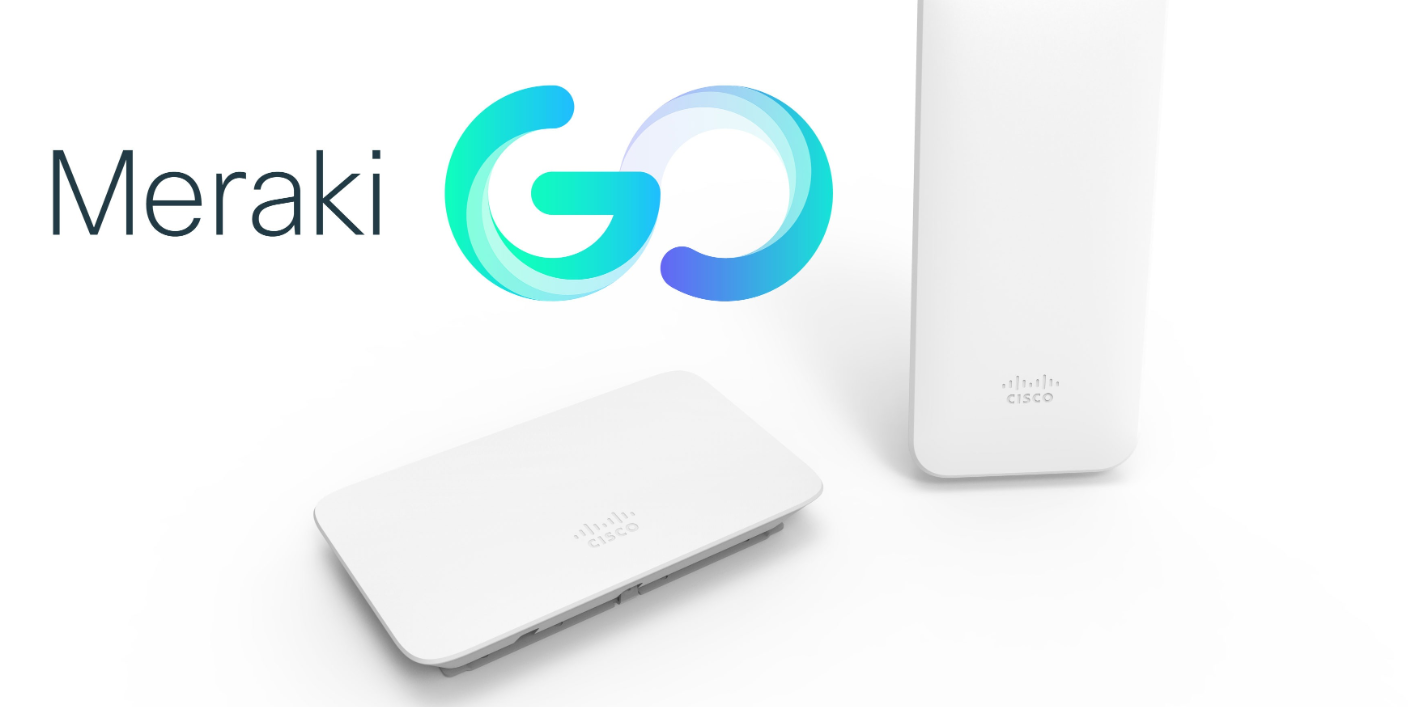
Meraki Go is another offering from Cisco, tailored specifically for small businesses and home offices. It provides an affordable and easy-to-use wireless solution that includes wireless access points, security gateways, network switches, and routers. Meraki Go routers are designed to connect directly to the internet through your ISP, simplifying setup for small businesses and home offices. Unlike Meraki, Meraki Go is designed to be simple to set up and manage, making it ideal for businesses without dedicated IT staff.
The Meraki Go app allows users to control their network from their smartphones, offering features like guest Wi-Fi, usage limits, and network insights. This simplicity does not come at the expense of performance, as Meraki Go delivers reliable connectivity and essential security features suitable for small business environments.
When comparing Meraki Go vs. Meraki, it is crucial to take several factors into consideration: both solutions offer cloud-managed networking, but businesses looking to expand can easily add new Meraki devices at different locations as their needs grow, making it simple to scale and manage their network infrastructure.
Meraki is aimed at larger organizations that require robust and scalable network solutions. It is ideal for enterprises, educational institutions, and large-scale retail operations. These businesses often have complex networking requirements, including multiple locations, high user density, and the need for detailed network analytics.
On the other hand, Meraki Go targets small businesses, home offices, and startups. It is perfect for cafes, small retail stores, and professional offices that need reliable Wi-Fi without the complexity and cost associated with enterprise-level solutions. Meraki Go’s ease of use makes it accessible to business owners and managers who may not have technical expertise, and it is also ideal for home networks seeking easy-to-manage WiFi solutions.
Meraki offers a wide range of advanced features designed to meet the needs of larger organizations. These include Layer 7 application traffic shaping and advanced security features like intrusion detection and prevention, malware protection, and VPN support. The Meraki dashboard provides detailed network analytics and reporting, helping IT teams optimize performance and troubleshoot issues efficiently.
Meraki Go, while simpler, still provides essential features for small businesses. It includes guest WiFi with customizable splash pages, basic traffic shaping to ensure optimal performance, and network usage insights to monitor and manage connected devices. Security features such as automatic firmware updates and the ability to block malicious sites are also included.
Another key difference is in the management interface. Meraki’s cloud-based dashboard offers extensive control and customization options, suitable for IT professionals. In contrast, Meraki Go is managed via a mobile app with an intuitive and user-friendly interface that is easy to navigate for non-technical users.
In terms of hardware, both Meraki and Meraki Go product lines include routers as core components, providing internet access and network management for their respective environments. Both also support the latest WiFi standards, such as WiFi 6, for improved performance and coverage. Meraki devices tend to be more powerful and versatile, supporting a broader range of use cases and higher performance requirements. Meraki Go devices are designed with simplicity in mind, offering the essential functionalities needed for small business environments without the additional complexity.
Meraki operates on a subscription-based pricing model. Businesses pay for licenses to access the cloud management platform and receive ongoing support and updates. This model is cost-effective for larger organizations that benefit from Meraki’s advanced features and scalability.
Meraki Go, however, is designed to be more affordable for small businesses. It has a one-time purchase cost for the hardware, with optional subscriptions for enhanced support and additional features. This pricing structure makes Meraki Go an attractive option for budget-conscious businesses looking for reliable and easy-to-manage networking solutions.
Meraki is suitable for a variety of complex use cases. For example, large enterprises with multiple branches can use Meraki to create a unified network that is easy to manage and scale. Educational institutions can benefit from Meraki’s advanced security features and detailed analytics to ensure a safe and efficient learning environment. Retail chains can use Meraki to provide seamless Wi-Fi across multiple locations and gain insights into customer behavior through network analytics.
Meraki Go is perfect for smaller-scale use cases. A café can use Meraki Go to offer guests Wi-Fi with a branded splash page. A small retail store can use Meraki Go to manage network traffic and ensure that payment systems and other critical applications have priority. A home office can benefit from easy setup and management, providing reliable connectivity for remote work without the need for technical expertise.
Both Meraki and Meraki Go can be used in hospitality settings, but the scale of the deployment would differ. Meraki would be suited for large hotels with multiple conference rooms and high guest traffic, while Meraki Go would be ideal for boutique hotels or bed-and-breakfasts that need a simple and reliable Wi-Fi solution.
Setting up Meraki involves a few more steps due to its advanced features. IT professionals typically handle the installation, which includes configuring devices via the Meraki dashboard, setting up security protocols, and integrating the network with existing systems. Despite the complexity, the cloud-based management simplifies ongoing maintenance and scaling.
Meraki Go, in contrast, is designed for simplicity. The setup process can be completed in minutes using the Meraki Go app. Users can follow guided instructions to connect devices, set up guest Wi-Fi, and configure basic network settings.
Meraki Go’s cloud-based management and dashboard are designed with small business owners and home offices in mind, offering a simple yet powerful way to manage wireless networks, security appliances, and network switches from anywhere. Through an intuitive web portal and mobile app, administrators can remotely connect devices, configure settings, and monitor network activity across multiple locations—making it easy to keep business operations running smoothly, even without dedicated IT staff.
A standout feature of Meraki Go’s cloud-based management is its built-in security verification. Before granting network access, the system verifies that users are legitimate and not malicious bots, providing an extra layer of protection for your business. This security service, powered by Cisco Meraki, helps ensure that only authorized users can access your network, reducing the risk of unauthorized access and cyber threats. The verification successful process gives peace of mind that your network is safeguarded against common online threats.
Managing your network with Meraki Go is straightforward. The dashboard allows you to easily add new devices—such as access points, network switches, and security cameras—across one or multiple sites. You can quickly set up guest networks, configure firewall settings, and monitor bandwidth usage, all from a single, cloud-based interface. For businesses with multiple locations, this means you can deploy and manage consistent security policies and Wi-Fi access across every site, without needing to be physically present.
Automatic firmware updates are another essential feature, ensuring your hardware is always running the latest security patches and performance improvements. This reduces the burden on small business owners to manually maintain their network and helps protect against vulnerabilities. Additionally, Meraki Go’s subscription fees include access to Cisco Umbrella, which adds another layer of security by blocking access to malicious websites and threats before they reach your network.
Compared to the advanced features and granular controls of the Meraki Enterprise dashboard, Meraki Go’s dashboard is intentionally streamlined. It focuses on the essential features that small businesses need—like easy device management, guest network setup, and security verification—without overwhelming users with complex options. This makes it ideal for small businesses, home offices, and startups that want reliable, secure networking without the need for specialized IT knowledge.
For example, a small retail chain with several locations can use Meraki Go’s cloud-based management to oversee all their sites from one dashboard. Administrators can easily add new access points as the business grows, configure guest Wi-Fi for customers, and monitor network health in real time. The ability to manage everything remotely means less downtime and faster response to any issues that arise.
In summary, Meraki Go’s cloud-based management and dashboard provide small businesses and home offices with a secure, easy-to-use solution for managing their networking needs. With features like security verification, remote management, automatic firmware updates, and integration with Cisco Umbrella, Meraki Go empowers business owners to protect their network, connect devices, and support customers—no matter where they are. This makes Meraki Go an excellent choice for businesses seeking a reliable, scalable, and secure networking solution without the complexity of enterprise-grade systems.
Meraki’s cloud-based dashboard is a powerful tool for IT administrators. It offers real-time monitoring, detailed analytics, and advanced configuration options. The dashboard allows for remote management of all network devices, making it easy to deploy updates, troubleshoot issues, and optimize performance.
The Meraki Go app provides a more simplified management experience. It includes essential features like network monitoring, device management, and usage insights, all accessible from a smartphone. This user-friendly interface ensures that small business owners can easily manage their network without needing technical expertise.
In conclusion, when comparing Meraki Go vs. Meraki, both offer valuable solutions for different types of businesses. Meraki’s advanced features and scalability make it ideal for larger organizations, while Meraki Go’s simplicity and affordability are perfect for small businesses and home offices. Understanding the differences between Meraki and Meraki Go can help businesses choose the right solution to meet their networking needs.