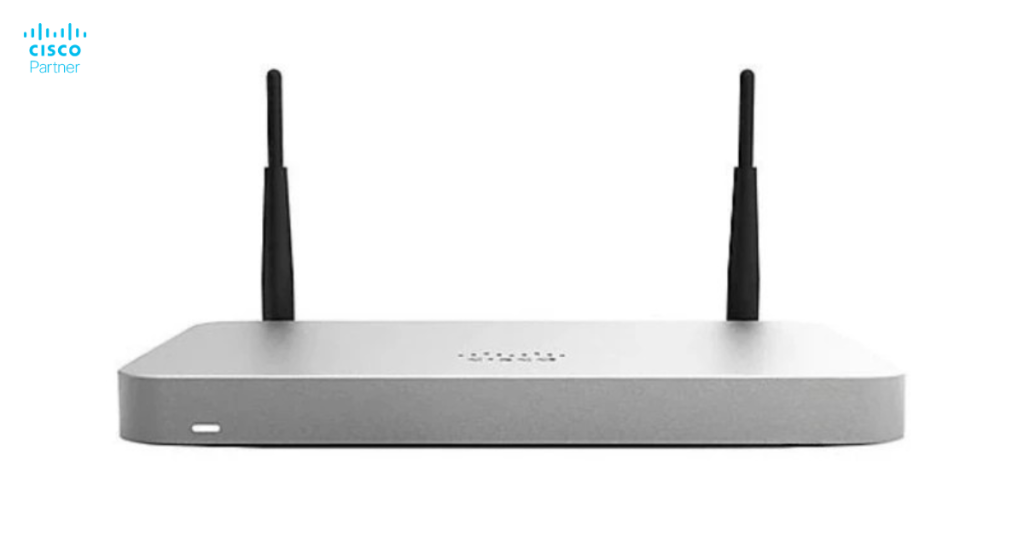
The Cisco Meraki MX security appliance family includes models ranging from small office solutions to enterprise deployments. Each model addresses different bandwidth requirements, feature sets, and deployment scales. Understanding the lineup prevents over-specification (purchasing more than needed) and under-specification (buying equipment that can’t meet requirements).
Organizations often face confusion when selecting MX appliances. The model numbers seem similar. Feature comparisons are difficult. Pricing doesn’t always correlate obviously with capability. Without clear guidance, decision-makers either choose conservatively (spending more than necessary) or optimistically (deploying equipment that underperforms).
This guide explains the Meraki MX product family, helping organizations select the right appliance for their specific requirements.
Cisco Meraki organizes MX appliances into tiers based on throughput, concurrent connections, and advanced feature support.
Key Specifications Affecting Selection
Throughput (Gbps)
Maximum data transmission speed through the appliance. Critical for bandwidth-heavy organizations or sites with multiple users.
Concurrent Sessions
Number of simultaneous network connections the appliance can track. More sessions support more users or higher activity levels.
Interfaces
Number and type of network ports. More interfaces enable complex network designs without additional switches.
VPN Performance
Maximum throughput through VPN tunnels. Important for organizations heavily using VPN for site-to-site or remote user connectivity.
Advanced Features
Some models support features like:
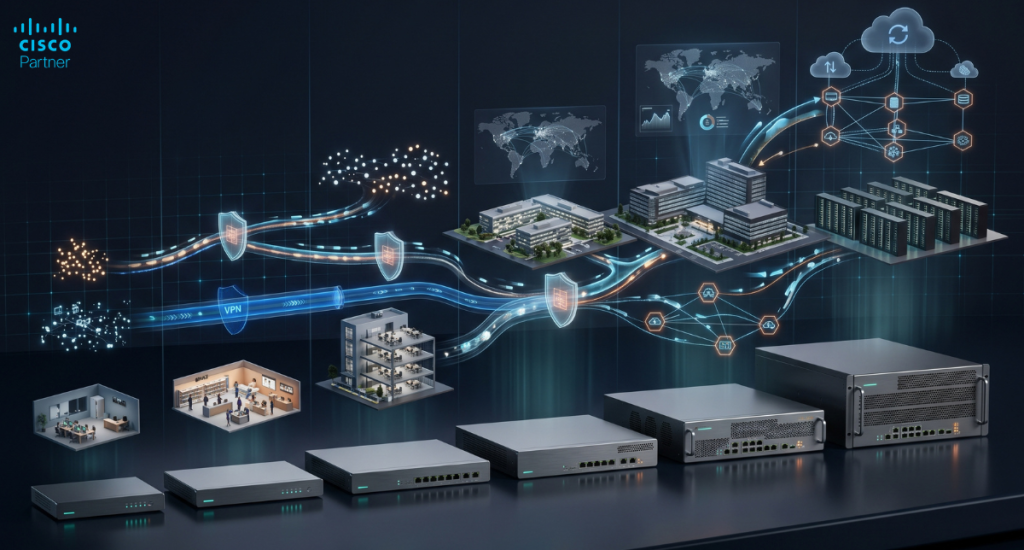
These appliances serve small offices and branch locations with modest bandwidth and user counts.
MX64
MX65
MX67
When to Choose Entry-Level
These models suit organizations with:
Entry-level models keep costs manageable while providing adequate protection for small deployments.
Mid-range appliances serve most organizations, balancing capability and cost.
MX84 (Being phased out – approaching EOL in 2026)
MX85
MX95
When to Choose Mid-Range
These models suit organizations with:
Mid-range models represent the “sweet spot” for most organizations—enough capability for robust operations without over-specification.
These appliances serve large deployments and bandwidth-intensive organizations.
MX105
MX250
When to Choose High-Performance
These models suit organizations with:
High-performance models handle the most demanding enterprise scenarios.
These wireless-equipped models combine firewall and WiFi in one appliance.
MX64W
MX67W
When to Choose Wireless Models
These suit organizations with:
Note: For organizations needing robust WiFi, separate Meraki access points are preferable to built-in WiFi.
Use this to narrow your choice:
| Need | Suggested Model |
| 1-10 users, micro office | MX64 or MX64W |
| 10-50 users, small office | MX65, MX67, or MX67W |
| 50-150 users, branch | MX84 or MX85 |
| 150-300 users, large office | MX95 |
| 300+ users, datacenter | MX105 or MX250 |
| Need WiFi included | MX64W or MX67W |
| High-speed requirements (1+ Gbps) | MX95, MX105, MX250 |
Understanding Bandwidth Needs
Appliance throughput doesn’t need to match your ISP bandwidth, but should provide headroom:
The extra headroom accounts for security inspection overhead and future growth.
Site-to-Site VPN Throughput
If you heavily use VPN for multi-site connectivity:
High VPN throughput needs might require upgraded models.
Client VPN Capacity
Remote worker counts affect model selection:
Organizations with large remote workforces need higher capacity models.
Not all features are available on all models:
| Feature | MX64/65 | MX67 | MX84/85 | MX95 | MX105/250 |
| Basic Firewall | ✅ | ✅ | ✅ | ✅ | ✅ |
| VPN | ✅ | ✅ | ✅ | ✅ | ✅ |
| IDS/IPS | ✅ | ✅ | ✅ | ✅ | ✅ |
| Content Filtering | ✅ | ✅ | ✅ | ✅ | ✅ |
| Advanced Threat | Limited | ✅ | ✅ | ✅ | ✅ |
| SD-WAN | Limited | ✅ | ✅ | ✅ | ✅ |
| Multiple WAN | Single | Dual | Dual | Dual | Quad |
Entry-level models support core features. Mid-range and above unlock advanced capabilities.
Model selection involves balancing cost and capability:
Cost-Focused Organizations
Choose entry-level (MX64, MX65, MX67) if:
Balanced Approach
Choose mid-range (MX85, MX95) if:
Performance-Focused Organizations
Choose high-performance (MX105, MX250) if:
All MX models require licenses enabling features:
Licensing costs vary by model but allow organizations to start with base features and upgrade later if needed.
Organizations planning growth should consider whether current model provides upgrade path:
Replacing appliances mid-lifecycle is expensive and disruptive. Starting with slightly more capability often costs less than replacing appliances later.
Step 1: Assess Requirements
Gather:
Step 2: Calculate Headroom
Add 20-30% headroom to requirements to account for growth and inspection overhead.
Step 3: Review Feature Needs
Confirm the model tier supports features you need.
Step 4: Evaluate Costs
Compare hardware, licensing, and lifecycle costs across models.
Step 5: Consult Experts
For complex requirements, work with Stratus Information Systems to validate selection. Our team helps organizations choose right-sized Cisco Meraki security appliances preventing both under and over-specification.