Environmental monitoring plays a direct role in equipment reliability, facilities management, and outage prevention. In many business locations, temperature shifts, excess humidity, and small leaks affect network closets, server rooms, storage areas, and other spaces that support daily operations. Cisco Meraki sensors give teams a way to track those conditions continuously and respond before they interfere with hardware, connectivity, or building systems.
For organizations deploying Meraki MT sensors across branch offices, retail sites, warehouses, schools, and healthcare facilities, the value comes from early visibility and faster response. A well-planned sensor layout can show where heat is building, where moisture is appearing, and where environmental changes need attention long before they turn into service issues, emergency dispatches, or hardware replacement. The Meraki platform supports temperature and humidity monitoring with the Meraki MT10, water detection with the Meraki MT12, indoor air quality tracking with the MT14 Meraki sensors, open/close monitoring with the Meraki MT20, and remote power control with the Meraki MT40.
The MT portfolio works best as a small environmental monitoring system rather than a collection of unrelated sensors. Temperature and humidity readings are useful on their own. Leak detection becomes more valuable when it is paired with room access data or power-state visibility. Door events are more useful when they explain a rise in room temperature or humidity. Air quality data matters more when it supports conditions in occupied spaces rather than standing alone.
The platform is also practical because the sensors fit into the same Meraki operating model that many teams already use for networking. MT devices report into the Meraki Dashboard and can share that operational view with access points, cameras, switches, firewalls, and gateways. That reduces the need for a separate monitoring tool that only one team member remembers to check. In daily operations, simpler visibility often matters as much as the sensor itself.
Connectivity is another strength. MT sensors communicate through compatible Meraki infrastructure, which lets distributed businesses extend environmental monitoring without building a separate sensor network for every site. That is one reason Meraki MT sensors are a strong fit for organizations with many small or mid-sized locations where hands-on support is limited.
The Meraki MT10 temperature and humidity sensor handles the most common environmental monitoring need: keeping track of room conditions that affect equipment, storage, and day-to-day operations. This matters in server rooms and network closets, though it also matters in telecom cabinets, IDF rooms, storage areas, back offices, and any enclosed space with heat-producing equipment or sensitive inventory. The MT10 is designed to monitor both temperature and humidity continuously, making it a practical first sensor in most deployments.
Temperature alerts are usually the easiest to justify because heat can affect switches, firewalls, UPS units, and other electronics quickly. Humidity alerts are equally important, though they are often treated as secondary. Excess humidity can point to moisture problems, poor air handling, or slow environmental drift that may not trigger immediate failures but still creates operational risk. A room that stays warm and humid over time is harder on equipment than one that remains stable.
The best MT10 deployments start with the room’s actual purpose. A server room with concentrated equipment density needs tighter thresholds than a lightly used branch closet. A stock room with climate-sensitive products may need different thresholds than a telecom cabinet. The right strategy is to establish a normal operating range, set a warning threshold below the true risk point, and assign the alerts to the people who can act on them. That keeps the monitoring system useful instead of noisy.
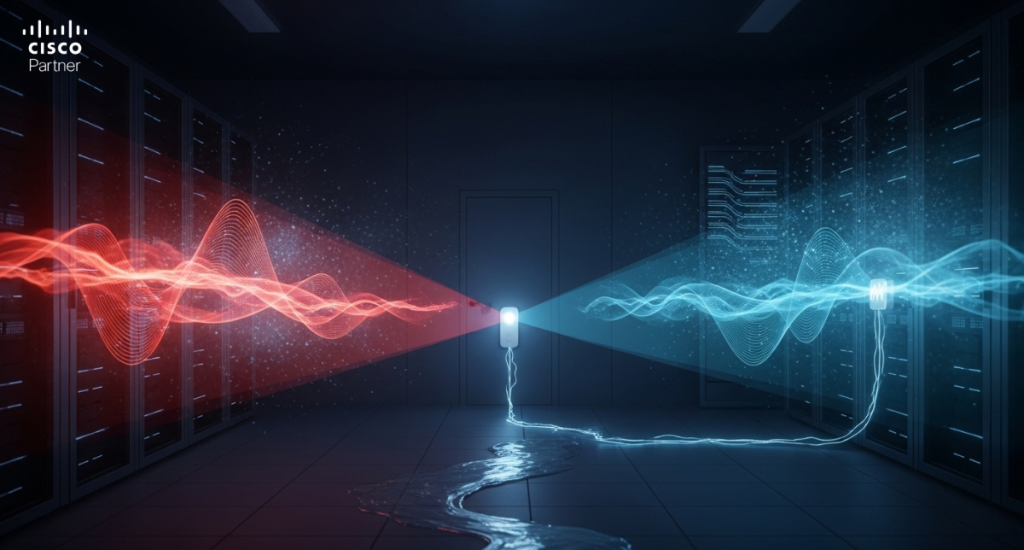
Water detection deserves the same level of planning as temperature monitoring because leaks rarely begin as obvious emergencies. A small condensate problem, a slow plumbing seep, or minor weather intrusion can develop quietly and spread into the exact part of the room where it can do the most damage.
The Meraki MT12 water leak sensor is built for early detection. It supports both a spot leak cradle and a leak detection cable, which gives the deployment flexibility. A spot cradle is useful when the risk is concentrated in one place, such as under an HVAC unit, below a sink, or next to a known trouble point. A leak cable is better when the risk follows a longer path, such as the perimeter of a room, the edge of a rack row, or a drain or pipe run that spans several feet.
Placement matters more than quantity. A leak sensor placed in the wrong part of the room may still work, though it may detect the problem only after water has already spread. A stronger design places the MT12 where liquid is most likely to appear first. Typical examples include:
This is where Meraki MT sensors deliver clear business value. Early leak detection can protect switching, firewall, and power equipment while also reducing cleanup cost and interruption time.
Environmental readings become much more useful when the team can explain why conditions changed. That is where supporting sensors add context instead of just more data.
The MT20 Meraki door sensor helps track open/close events. In a network closet or controlled room, this can explain sudden temperature changes, air movement shifts, or unexpected after-hours access. A door left open for twenty minutes may change the environment enough to trigger a climate alert, and that event timeline gives the team a clearer starting point for investigation.
The MT14 Meraki air quality sensor broadens the deployment beyond equipment conditions alone. It is most useful in occupied environments such as offices, schools, healthcare spaces, and shared operational rooms where air quality and comfort matter alongside system reliability. Temperature and humidity still matter there, though the MT14 adds another layer for facilities teams that need a better picture of the indoor environment.
The Meraki MT40 smart power controller plays a different role. It is not a temperature, leak, or humidity sensor. Its value comes from response and control. In the right workflow, a smart power controller can help with remote power cycling, power state visibility, and recovery actions after a room event or device issue. For teams managing distributed sites, that can save a service call or shorten recovery time when something goes wrong.
Placement decides sensor quality. A poorly placed sensor can produce data that is technically accurate and operationally misleading. A temperature sensor installed beside a heat source may report a localized hotspot rather than the actual room condition. A humidity sensor near a vent or direct airflow path may not reflect what the equipment is experiencing. A leak cable that starts too far from the risk area may provide a warning too late to matter.
A stronger approach begins with the physical question each sensor is meant to answer. For the MT10, decide if the goal is to measure the overall room environment or the condition near critical equipment. For the MT12, decide where water is likely to appear first, not where cable routing is easiest. For the MT20, place the contact where it tracks the access point that actually changes conditions or security posture.
Thresholds should follow the room’s normal behavior. A short baseline period helps teams see what “normal” looks like before deciding what deserves a warning and what deserves immediate escalation. This is especially helpful in older buildings and mixed-use locations where ambient conditions can vary more than expected.
False alerts are usually a placement or threshold problem, not a platform problem. Most teams can quickly improve signal quality by tightening thresholds after a baseline review, moving sensors away from artificial hotspots, and placing leak detection closer to the actual risk path.
Environmental monitoring only works when alerts reach the right people and trigger the right response. A branch closet temperature alert may need to go to IT and facilities. A leak alert in a retail location may need local operations, facilities, and a regional support contact. A door event may belong to security or a site manager. Routing the alert correctly is part of the design.
The Meraki platform supports several alerting and integration paths, including email, mobile notifications, and workflow integrations. That gives teams flexibility. Some organizations want direct human escalation. Others want environmental events pushed into ticketing systems, building tools, or automation workflows. The right choice depends on how the business actually responds to incidents.
Historical reporting matters too. Teams should review trend data, not only one-off alerts. Repeated temperature drift, recurring humidity spikes, or periodic leak detections often point to a building problem that needs a permanent fix. One of the strengths of Meraki MT sensors is that they support this ongoing view instead of acting only as alarm devices.
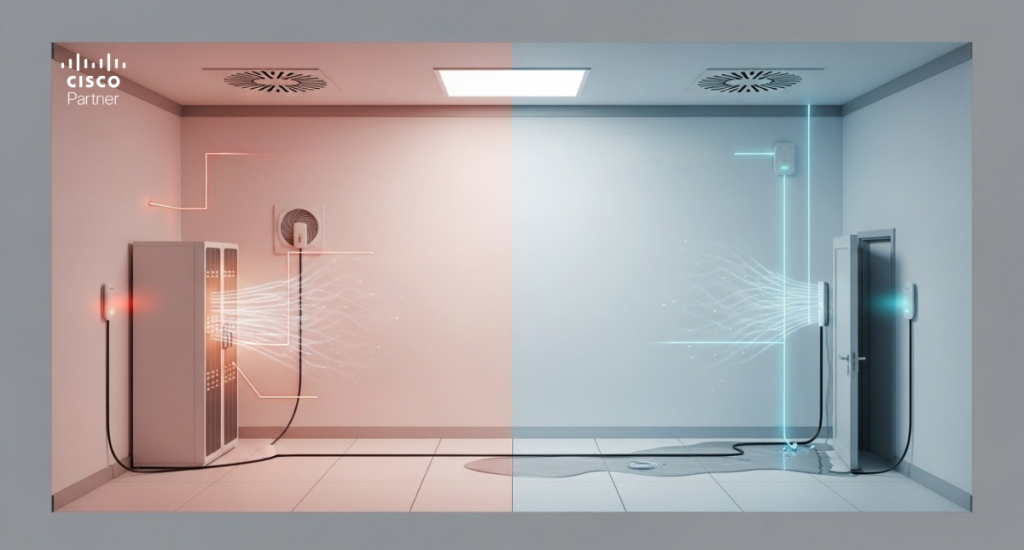
Network closets and server rooms remain the most obvious fit. These spaces carry the highest direct connection between environmental conditions and outage risk. A temperature alert in a closet full of access switches, a firewall, and a UPS deserves immediate attention.
Retail environments are another strong use case. Back rooms, stock spaces, telecom cabinets, and utility-adjacent areas often have less stable environmental conditions than main customer-facing spaces. A leak or temperature problem there can affect point-of-sale, wireless coverage, and store operations.
Healthcare sites, schools, offices, and warehouses each bring their own value case. A school can monitor multiple IDF closets without daily manual checks. A healthcare site can track equipment-support areas and occupied spaces more closely. A warehouse can use climate and leak monitoring in edge offices, storage zones, and network enclosures that are harder to inspect manually. In all of these cases, Meraki MT sensors help turn invisible building conditions into visible operational signals.
Temperature, humidity, and leak events do not need to turn into outages before they get attention. Good environmental monitoring catches changes early, gives teams useful context, and helps the business respond before equipment, operations, or facilities are affected.Many deployments begin with an MT10 for temperature and humidity monitoring and an MT12 for leak detection. Additional sensors, such as an MT20 meraki door status sensor or an MT14 Meraki sensor for indoor air quality, can add useful context in spaces that need closer oversight. In locations where remote power control is valuable, the Meraki MT40 can support a broader operational workflow.
If you are interested, Stratus Information Systems can help your business plan and deploy Cisco Meraki solutions that improve visibility across networking, environmental monitoring, and site operations. Just contact us.