When a business network starts to grow, the switching layer usually feels that pressure first. A flat LAN becomes several VLANs. Voice, wireless, printers, cameras, badge systems, point-of-sale devices, and guest access all need cleaner separation. Once that happens, the next design decision comes quickly: should inter-VLAN traffic stay on the switch, or should every internal flow head upstream to a firewall or router first?
That is where Layer 3 routing on Cisco Meraki MS switches becomes useful. In the right environment, it shortens traffic paths, keeps local traffic local, and gives the LAN a cleaner operating model. In the wrong environment, it can add complexity without delivering much value. The difference comes down to traffic patterns, scale, and the role the switch is expected to play inside the broader network.
Most networks do not start with Layer 3 switching at the access layer. They get there over time. A site adds more VLANs for security or operational reasons, then starts noticing how much internal traffic is bouncing through an upstream gateway. That can be harmless in a small office. In a busier site, it can create needless path length and push local conversations into the wrong part of the design.
A switch that can route locally changes that pattern. Instead of using the firewall as the default gateway for every subnet, the network can place gateway functions closer to users and devices. That often makes sense in offices, clinics, warehouses, schools, and branch locations where many VLANs share the same building and a meaningful amount of traffic stays inside the site.
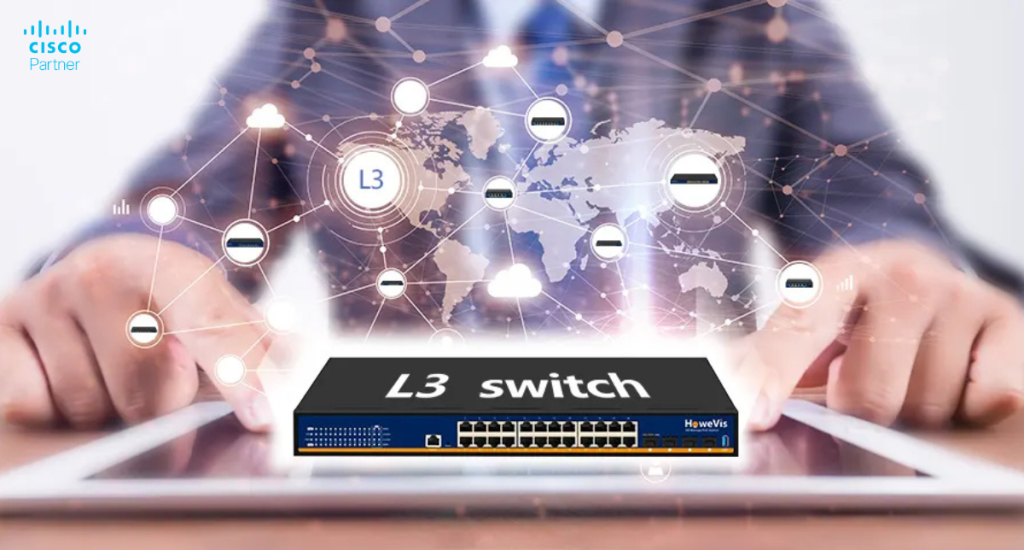
On supported Cisco Meraki MS switches, Layer 3 routing allows the switch to create SVIs (Switched Virtual Interfaces), route between directly connected VLANs, and use static routes for networks that live beyond those local interfaces. On some higher-tier models, the feature set extends further into OSPF(Open Shortest Path First), larger routing scale, and gateway redundancy features such as warm spare.
In practical terms, the switch becomes the default gateway for the VLANs attached to those SVIs. A workstation in one subnet can reach a printer, voice service, or local application in another without forcing the packet through an upstream firewall first. That keeps east-west traffic shorter and reduces dependency on the edge for traffic that never needed to leave the site in the first place.
This does not turn every MS switch into a campus core. It simply means the switch can take on a routing role when the design calls for it. That role might be small and steady, such as local inter-VLAN routing with a few static routes, or more advanced, such as dynamic route exchange in a layered switching environment. The right design depends on the site, not on the presence of the feature alone.
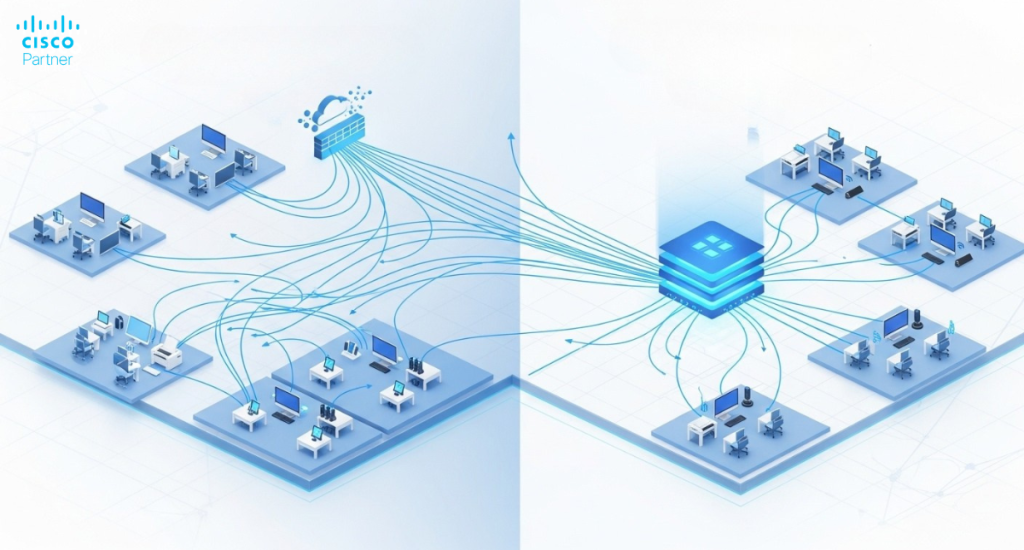
Layer 3 routing makes the most sense when a site has several VLANs and a real amount of local traffic moving between them. User devices may need printers on another subnet, access points may need infrastructure services, phones may need call control, and operational devices may need scoped access to application servers. If those flows are constant, keeping them local at the switch is often the cleaner design choice.
It also makes sense when the firewall has a different primary job. In many Meraki deployments, the MX is better used for internet edge security, Auto VPN, content filtering, WAN resiliency, and north-south policy enforcement. Letting the MS layer handle local gateway duties can create a more balanced architecture. The switch handles local routing. The MX handles external access and security services. That split is often easier to scale and easier to troubleshoot.
Another strong fit is a stable branch or single-building design that has outgrown pure Layer 2 switching but does not need a complex dynamic routing fabric. In that environment, Layer 3 switching can provide clear segmentation and fast local traffic handling without pushing the network into an oversized routing design.
Layer 3 switching is not always the best answer. A very small office with only a few VLANs and minimal internal traffic may gain little from moving gateway functions onto the switch. If the upstream MX or router already handles routing cleanly and the site has limited growth ahead, keeping the design simple is often the better call.
It is also better to keep routing upstream when the required routing behavior is far beyond the capability of the chosen switch family. If the design requires large route scale, dynamic routing, or advanced gateway redundancy, and the switch cannot provide those features, the network should not force that role onto that hardware. Model choice should follow the routing job, not the other way around.
Not every Cisco Meraki MS switch handles Layer 3 routing the same way. Some models are suited to straightforward inter-VLAN routing with static routes and Dynamic Host Configuration Protocol(DHCP) relay. Others support a much broader routing role with OSPF, higher route counts, and, on several families, warm spare. That difference matters early in the design process because routing depth is a platform decision, not a minor feature checkbox.
The Meraki MS225 is one example of a switch family that fits well in smaller and mid-sized routed environments. It supports SVI-based routing, static routes, and DHCP relay, which makes it useful in branch offices, school buildings, clinic networks, and similar sites where local VLAN routing is needed without a larger dynamic routing design. Current Meraki documentation lists the MS225 with 16 Layer 3 interfaces, 16 static routes, and support for up to 8,192 routable clients.
As routing demands increase, higher-tier families become the better fit. MS250, MS350, MS410, MS425, and MS450 add OSPF and warm spare support, while MS390 and cloud-managed Catalyst models add OSPF and broader Layer 3 feature depth, though MS390 does not support MS warm spare. This is why Cisco Meraki MS model selection should start with routing role, traffic scale, and redundancy needs, then move to port density and uplink speed.
Static routing is enough for many sites. If the switch mainly needs to route between local VLANs and send everything else toward a known upstream next hop, static routes are simple, predictable, and easy to troubleshoot. That keeps branch and building-level designs manageable and often matches the needs of sites that do not change routing paths often.
OSPF becomes more attractive in larger or more layered environments. When the switch must exchange routes with other Layer 3 devices, adapt to topology changes, or participate in a broader routed design, dynamic routing can reduce manual maintenance and improve flexibility. Cisco Meraki MS switches that support OSPF can advertise their subnets to neighboring OSPF-capable devices, and Meraki documents support for ECMP in the proper conditions.
Gateway redundancy adds another layer of planning. Several higher-tier MS switches support warm spare through Virtual Router Redundancy Protocol (VRRP), allowing two identical switches to act as redundant gateways for a subnet. That can improve reliability, though it comes with an important limit: OSPF and warm spare do not operate concurrently on the same switch. If the design expects both, that choice must be resolved during architecture planning, not during deployment.
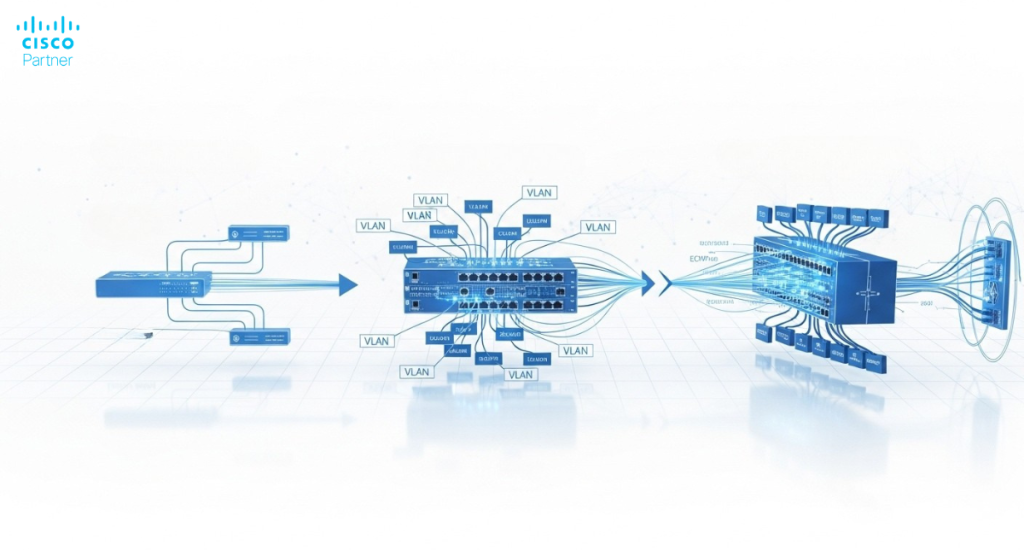
Once Layer 3 routing is enabled, the switch becomes production routing infrastructure. That changes more than packet flow. It changes gateway planning, DHCP behavior, maintenance discipline, and troubleshooting workflow. The team now has to think about local default gateways, next-hop accuracy, route behavior, and the operational impact of making routing changes on a live network.
DHCP is part of that shift. Some Layer 3-capable MS models support DHCP relay, and higher-tier families add DHCP server and relay support. That can simplify local network design, though it also means the switch is taking on a larger operational role. If a site relies on the switch for local gateway and DHCP-related functions, that switch becomes central to user experience and service continuity.
Change windows matter too. Cisco Meraki documents that Layer 3 configuration changes on several MS families, including the MS225, require the flushing and rebuilding of Layer 3 hardware tables, and brief service disruption may occur. In production environments, that means routing changes belong in controlled maintenance windows rather than in the middle of a busy workday.
A useful way to evaluate Layer 3 routing on Meraki MS starts with three questions. How much local traffic crosses VLAN boundaries? How much of that traffic truly needs firewall inspection? How stable is the site’s routing environment? The more local traffic a site carries, and the more predictable its route paths are, the stronger the case for local Layer 3 switching becomes.
The next question is about scale. If the site needs basic inter-VLAN routing, a handful of static routes, and local DHCP relay, a modest Layer 3-capable MS model can be a strong fit. If the site needs dynamic routing, larger route tables, or redundant switch gateways, the design should move toward the MS families that support those roles directly. That is where careful review of Cisco Meraki MS models pays off.
Finally, keep the division of labor clean. In a well-structured Meraki network, the MS layer can handle local segmentation and inter-VLAN routing, while the MX remains focused on internet edge security, WAN, VPN, and broader traffic policy. That approach gives each device family a clear job and usually leads to a network that is easier to grow and easier to support.
Layer 3 routing on Cisco Meraki MS switches is a strong choice when a network needs cleaner segmentation, better local traffic handling, and a more deliberate split between LAN routing and edge security. It is most useful in sites with multiple VLANs, real east-west traffic, and a clear reason to keep local flows local.For organizations planning a new switching deployment or redesigning a segmented LAN, Stratus Information Systems can help map the right Cisco Meraki MS models to the right routing role, design a cleaner VLAN and gateway strategy, and build a network that stays scalable, efficient, and easier to operate over time.