A backup circuit only matters if it works the first time the primary link fails. That sounds obvious, yet many LTE and 5G backup deployments are built around hardware first and reliability second. A branch gets a new appliance, a SIM goes in, a status light turns green, and everyone assumes resiliency is in place. Then a real outage arrives, and the site discovers the signal is weak, the wrong mode is enabled, the carrier fit is poor, or the WAN handoff does not behave the way the network team expected.
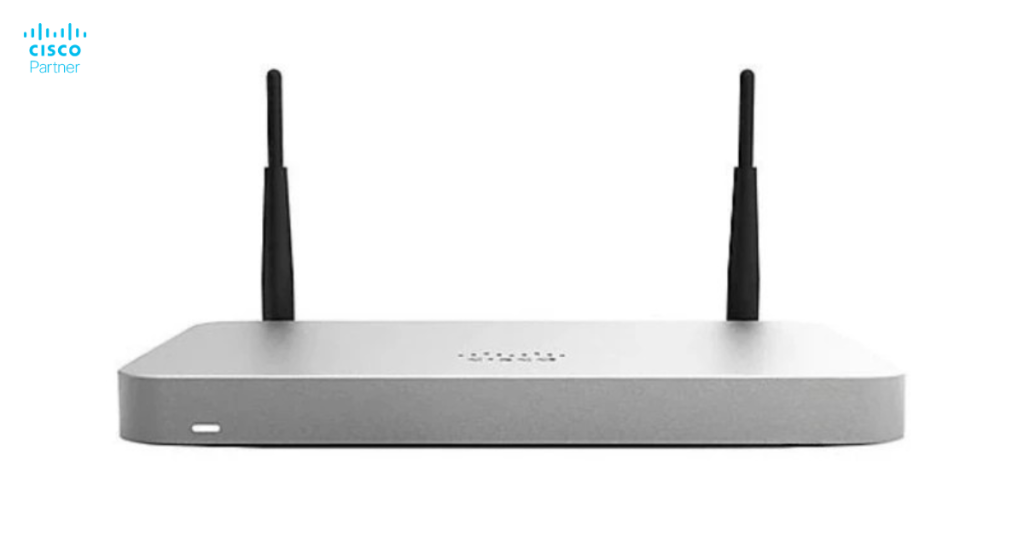
A better approach starts with purpose. A Meraki cellular gateway should be deployed as part of a business continuity design, not as a spare box with a SIM card. Cisco Meraki MG devices are built to hand off cellular service as Ethernet WAN connectivity, which makes them a practical fit for branch failover, temporary locations, emergency response, and primary fixed wireless access in sites where wired broadband is slow to deliver or hard to trust. They are especially effective when paired with Cisco Meraki MX appliances for failover and SD-WAN policy control.
The first question is not “Which model should we buy?” The first question is “What must stay online when the primary circuit drops?” A location that only needs card payments, VPN reachability, and email can live with a smaller backup profile than a branch that runs voice, cameras, cloud apps, and local operations over the same WAN. LTE backup design should follow the business impact.
That is why reliable failover planning starts with application ranking. Payment platforms, voice platforms, cloud identity traffic, VPN tunnels, point-of-sale systems, and essential operational tools should come first. Bulk software updates, recreational traffic, and low-priority sync jobs should not compete for the same backup capacity. A smaller LTE backup link can still protect the branch well if the traffic policy reflects real priorities.
This is also where the MX matters. The MG does not replace the MX in a standard failover design. It feeds the MX with cellular WAN connectivity so the firewall and SD-WAN layer can keep policy and path control in place. In practice, that means a well-built Meraki MG deployment is part of a broader edge design, not a standalone internet strategy.
The MG family spans several roles, and each model class fits a different failover or primary-connectivity profile. The Meraki MG21 and MG21E fit basic failover use cases with 4G LTE Advanced, up to 300 Mbps down and 50 Mbps up, and a single 1 GbE interface. The MG41 and MG41E move into advanced failover or basic primary connectivity with LTE Advanced Pro, up to 1.2 Gbps down and 150 Mbps up, two 1 GbE ports, and dual SIM capability. The MG51 and MG51E add 5G Non-Standalone service with up to 2 Gbps down and 300 Mbps up, while the MG52 and MG52E move into 5G Standalone territory for future-ready primary or advanced branch use.
For basic backup in a typical office, a Meraki MG21-class device may be enough. For sites with stricter uptime expectations, heavier traffic, or more demanding application support, the MG41 or MG51 families make more sense. For branches or campus environments that may lean on cellular as a serious primary link, Meraki MG52-class hardware is the better match.
External-antenna variants deserve attention, too. The E models are especially useful in remote or signal-challenged locations because they support external dipole or patch antennas. That matters when indoor mounting would otherwise leave the branch with a weak signal or unstable throughput.
The model decision should therefore be based on three factors: required backup capacity, physical signal conditions, and growth expectations. Buying too little turns failover into a bottleneck. Buying too much for a low-risk site wastes budget that could have gone into stronger placement, better antenna options, or dual-device resilience.
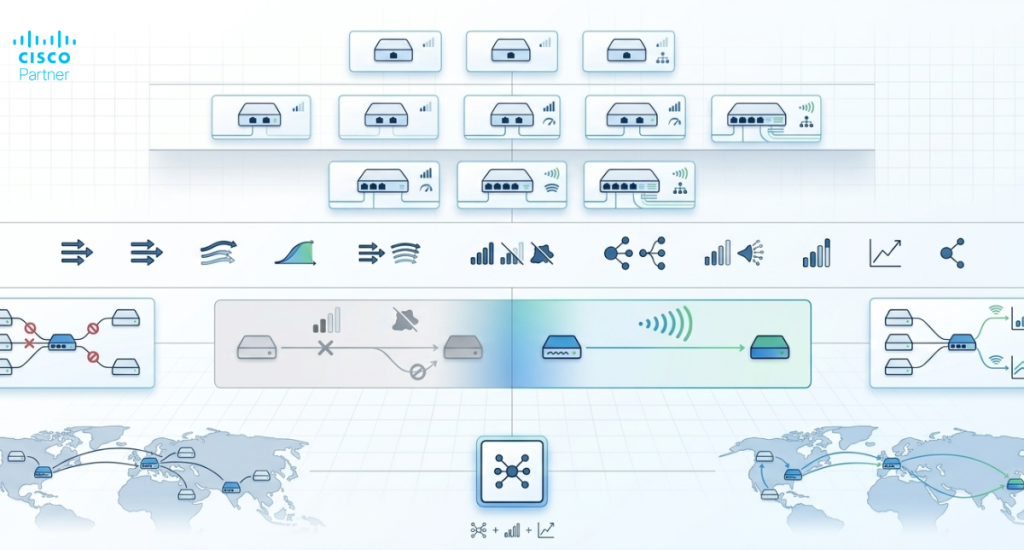
A backup link is only as good as its radio conditions. Cellular performance depends on signal strength, distance from the tower, obstructions, interference, local congestion, weather, and the frequency bands used by the carrier. Strong failover design, therefore, begins with field testing, not assumptions.
Coverage maps are a useful starting point, though they are not enough on their own. Real performance should be tested on-site with the intended carrier, indoors and outdoors, in the actual mounting area. That test should include download speed, upload speed, consistency, and signal quality at several times of day. Congestion can change the picture dramatically, especially in dense urban areas or event-heavy locations.
Band behavior matters too. Lower-frequency cellular bands generally offer wider coverage and better building penetration, while higher frequencies can deliver more speed with shorter range and greater sensitivity to obstructions. In plain terms, the fastest advertised service is not always the most reliable service for a backup link inside a branch.
Carrier selection should follow the tested result, not the national brand alone. The best carrier for one building may not be the best for another building a mile away. Strong failover planning takes carrier fit seriously because a backup circuit that cannot hold a stable session during a real outage is not a backup at all.
Two deployment modes matter most on Meraki MG gateways: NAT mode and passthrough mode. NAT mode is the default. In this mode, the MG acts as a Layer 3 gateway, performs NAT, hands out DHCP to devices behind it, and works well in broader shared connectivity scenarios. Passthrough mode disables the Layer 3 NAT function and forwards the carrier-provided IP address to a single downstream device.
For a direct connection to a Meraki MX used as a failover uplink, passthrough mode is often the cleaner fit because it hands the cellular IP forward to the MX and keeps the design simpler. There is one operational caveat: in passthrough mode, port 2 is disabled, so the downstream device must use port 1. NAT mode remains the better choice in designs that use breakout switches or share the MG across more than one downstream path.
The right mode depends on the topology. If the MG is feeding one MX directly, passthrough usually aligns well. If the cellular gateway is part of a more shared access design, NAT mode is more practical.
A single MG directly connected to an MX is the simplest deployment. It works well for many branches and gives the site a fast path to backup connectivity. If the MX can provide PoE on its WAN interface, the MG can be powered directly. If not, a PoE injector or external power adapter can fill the gap.
There is another practical variation for MX models that do not provide PoE on the WAN side, such as the MX75. In those designs, one MG port can receive PoE from a LAN port configured on an unused VLAN, while the other MG port connects to the MX WAN interface for actual cellular handoff. That avoids an injector in some deployments and keeps the wiring cleaner. The diagram on page 7 of the best-practices file shows this clearly.
For higher resilience, an MG can be connected directly to an MX HA pair without extra configuration, using WAN 2 on both appliances for backup cellular service. For even stronger resilience, dual MG devices can be paired with an MX HA pair, and breakout switches can be added to create a more highly available cellular path. That design requires a cellular uplink VLAN and a trunk between the breakout switches, as shown in the diagrams on pages 8 through 10.
This is where design maturity matters. A low-risk branch may be well served by one MG and one MX. A higher-criticality location may justify dual MG gateways, dual SIM capability, and an HA-aware topology.
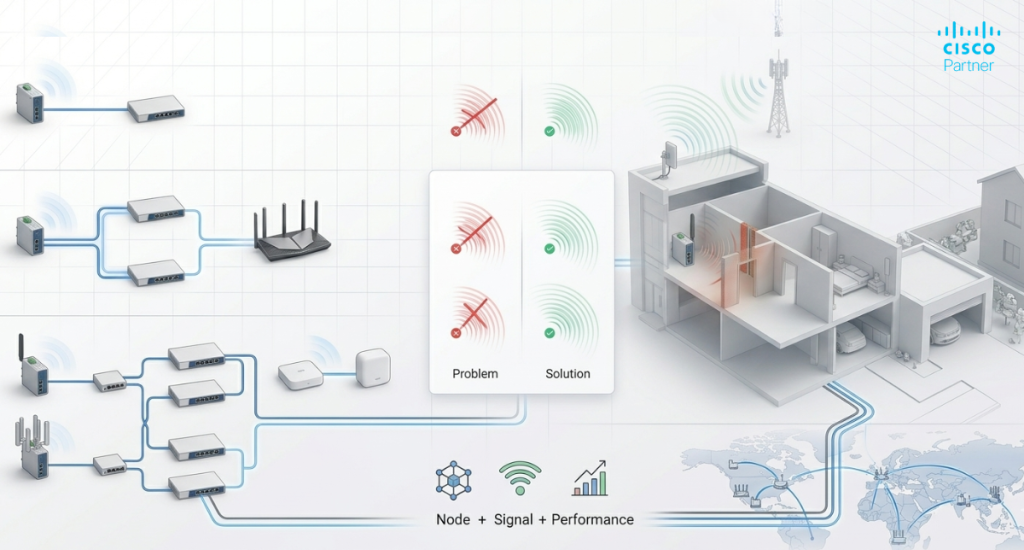
Indoor placement is common and can work well, though building materials can reduce signal sharply. Metal and concrete are frequent problems. A practical indoor placement exercise starts by testing the intended carrier in several parts of the building and identifying the strongest consistent signal.
Outdoor placement usually produces the best signal because all MG models are IP67-rated. A protected elevated position with the clearest possible path toward the nearest tower is often the best option. Direct exposure should still be minimized over the long term, even with weather-resistant hardware. Power planning matters here, too. Many outdoor deployments rely on Ethernet for both PoE and network handoff, while others use the AC adapter with a protected power source.
Antenna choice can make a major difference. Dipole antennas are the all-around option and work well when signal direction is uncertain. Patch antennas are directional and can outperform dipoles significantly when the nearest tower direction is known and the mounting orientation is correct. The tradeoff is precision. A patch antenna only helps if it points the right way.
External-antenna MG models are therefore worth serious consideration in hard-to-serve branches, rural locations, steel-heavy structures, or sites where the gateway has to live away from the best signal position.
A green status page is not enough. The backup link should be tested under real failover conditions. Disconnect the primary WAN, confirm the MX shifts to cellular, and measure how the site performs under expected outage traffic. Voice quality, VPN persistence, application login behavior, and failback behavior all deserve attention.
A good validation process should also review latency, jitter, and packet loss under load. Cellular backup can deliver solid continuity, though it may not behave like fiber during congestion. That is why traffic shaping and failover policy should match the business continuity plan, not the maximum speed on a datasheet.
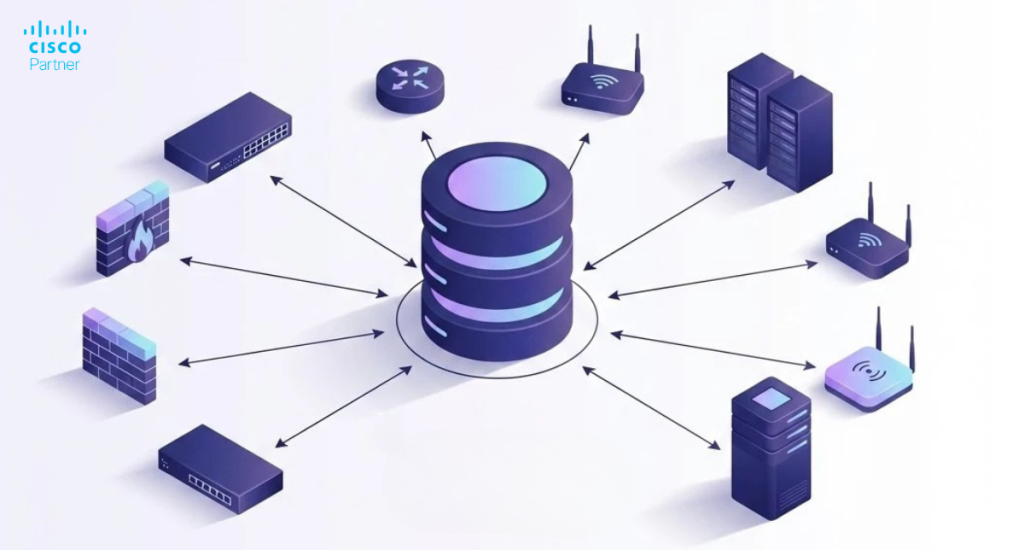
The Meraki platform helps here with centralized management, alerts, firmware control, diagnostics, and visibility into signal strength and band information. Those operational tools matter because the best LTE backup design is the one the team can monitor, troubleshoot, and refine over time.
Reliable LTE backup takes more than plugging in a device and waiting for an outage. It requires the right model, the right carrier, the right mounting position, the right deployment mode, and a topology that matches the site’s real uptime needs.
A well-planned Meraki cellular gateway deployment can protect branch operations, cleanly support MX failover, and keep business-critical services online when the wired circuit fails. For organizations comparing Meraki MG models or building a more resilient WAN edge, Stratus Information Systems can help design the right cellular backup strategy, validate signal quality, and align the MG deployment with the rest of the Cisco Meraki stack.