
When you contact a Cisco Meraki partner to purchase network equipment or licenses, what happens next reveals whether you’re working with a transactional vendor or a true consultative partner
A customer who is actually a Cisco partner trainer recently shared: “You had no idea how much upsell opportunity there was because you didn’t ask. That’s a coin-op mentality, not a consultative one.”
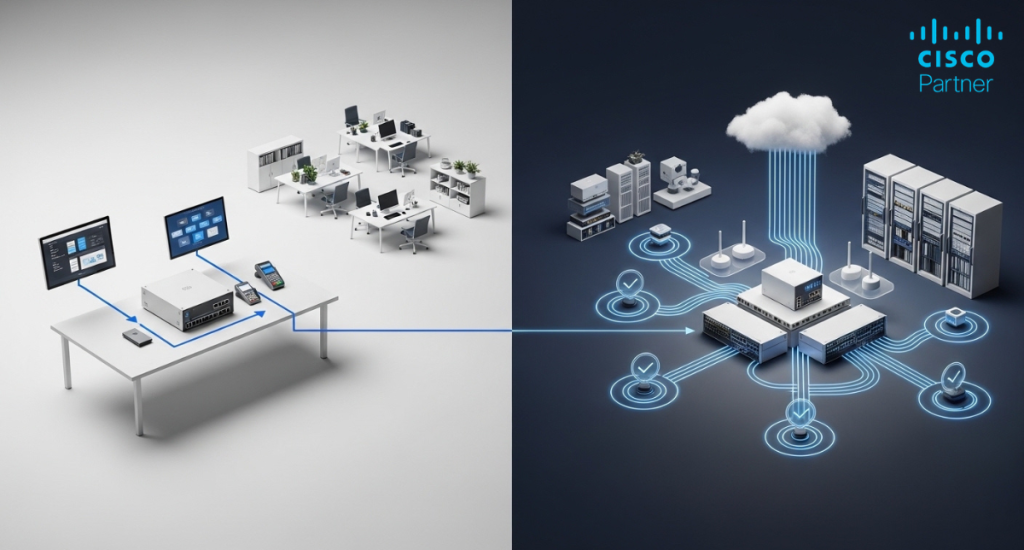
Here are the five questions every great Meraki partner should ask — and exactly why they matter.
This single question unlocks compatibility checks, license strategy, End-of-Life flags, and upgrade opportunities.
Real Example: A customer ordered an MX security appliance license. The partner never asked about existing gear and missed that the customer still had an aging MR45 access point. A consultative partner would have recommended upgrading to the latest Wi-Fi 6/6E access points and saved the customer from performance issues.
Cisco publishes clear EOL/EOS dates. Buying a 3-year license for a device that reaches End of Support in 2.5 years wastes money on the final months.
MX84 Example: The MX84 hits EOS in October 2026. A good partner flags this and recommends either a shorter license or an upgrade path with license transfer options.
Purchases should scale with your business – not force expensive rip-and-replace later.
Real Example: A customer bought 24-port Meraki MS switches for a growing office. Six months later they ran out of ports. Asking about headcount growth upfront would have led to 48-port switches and avoided costly re-cabling.
Modern networks need integrated security. A partner should always ask about MFA, DNS security, and remote-worker protection.
Cisco Security Stack for SMBs:
• Duo – Multi-factor authentication
• Umbrella – DNS-layer security and content filtering
• Secure Endpoint + Meraki MX Secure Firewall
Our trainer customer was never asked about security — a missed opportunity worth $2,000–$3,500 that left the network exposed.
Buying hardware is easy. Deploying it correctly — and managing it long-term — is where most organizations struggle.
Great partners offer professional services including Wi-Fi heat mapping, VLAN design, full installation, administrator training, and managed services with proactive monitoring and monthly reports.

Transactional vendors quote SKUs and ships.
Consultative partners ask the five questions above, deliver tailored recommendations, provide renewal reminders, and become a long-term extension of your IT team.
Red Flags: No questions asked, no EOL checks, no security discussion, no post-sale follow-up.
Green Flags: They review your existing infrastructure, flag risks, recommend solutions you didn’t know existed, and stay in touch after the sale.
At Stratus Information Systems, we don’t just take orders – we ask the right questions every single time.
Every Meraki quote includes:
✅ Full infrastructure and compatibility review
✅ End-of-Life hardware check
✅ License strategy consultation
✅ Security stack recommendations (Duo, Umbrella, etc.)
✅ Professional services optionsSchedule a free network consultation today and see what true consultative partnership feels like. Browse Meraki products and start building the network your business actually needs.