Network support and maintenance are judged by recovery time, change success, documentation quality, and the number of recurring issues the team is carrying at any given time. When those four areas weaken, the network becomes harder to operate long before it becomes unavailable.
That is why network support and network maintenance need to be treated as operating disciplines rather than background IT chores. Support covers detection, triage, recovery, escalation, and communication during faults. Maintenance covers the work that keeps faults from becoming routine: documentation, configuration management, change control, backup and restore, firmware upgrades, firewall review, lifecycle planning, and capacity planning. Networks stay healthy when both sides are strong.
A practical program does not try to make the environment flawless. It makes the network easier to run, easier to change, and easier to recover.
Support degrades fast when the team has to reconstruct the network every time something breaks. A current operating picture should exist before the next issue appears. That picture should include the device inventory, site inventory, WAN links, addressing, VLAN structure, SSIDs, firewall roles, support contacts, carrier details, and the systems that create the most business impact when they fail.
This is where network monitoring becomes useful or useless. Alerts only help when the team can place them in context. An uplink alarm means one thing on a small guest network and something very different on a core branch circuit. A wireless complaint means something different when it comes from a single user, a conference room, or an entire floor. Monitoring should support action, not just visibility.
A strong operating picture also makes escalation cleaner. When a provider issue, hardware fault, or security event appears, the team should already know who owns the carrier, who approves emergency changes, which systems depend on the affected path, and what fallback options exist. Support slows down when those answers live in memory instead of in an accessible record.
Many businesses say they perform network maintenance when needed. That usually means after a problem has already become visible. A better model uses a calendar with specific tasks and review points.
A weekly review can cover failed alerts, unstable links, backup status, repeated authentication failures, and devices that changed state unexpectedly. A monthly review can cover firmware posture, stale documentation, aging support tickets, wireless trouble spots, and repeated incidents by site. A quarterly review can cover capacity planning, license dates, hardware lifecycle, firewall rules, and support burden across locations.
This calendar matters because maintenance competes with everything else. If it is not scheduled, it slips behind project work, user issues, and day-to-day noise. The network may keep running, yet the support burden rises quietly. By the time the business notices, the maintenance backlog has already turned into an operating risk.
This is also where mature teams separate preventive work from reactive work. Preventive work reduces the next outage. Reactive work clears the current one. Both are necessary, though they should not be confused.
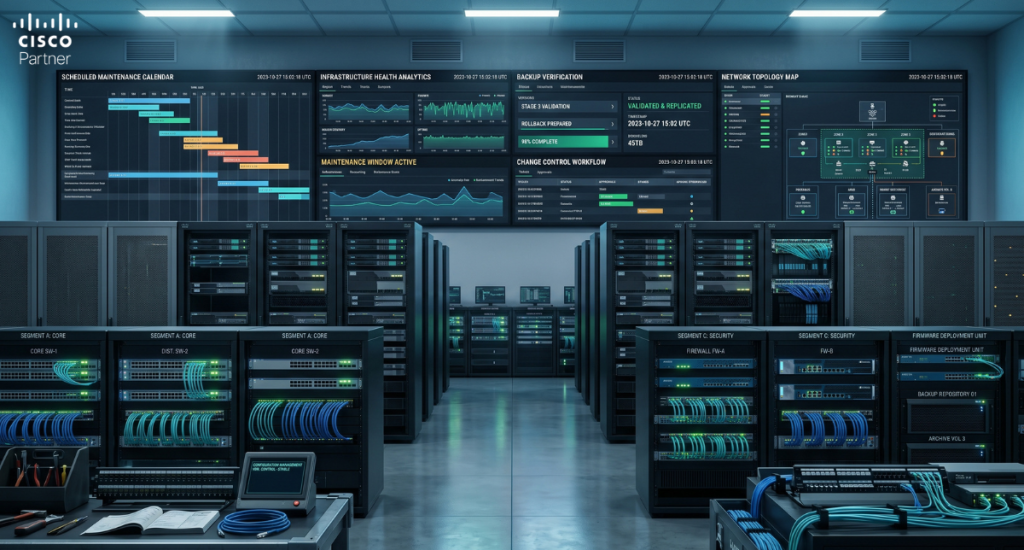
A network becomes expensive to support when the configuration history is unclear. One site has a local exception. Another has naming that never matched the standard. A firewall object was added during a rushed rollout and still exists years later. A switch template was bypassed for a quick fix. These are common support realities, and they compound over time.
Configuration management should have three goals. Keep standards readable, keep changes traceable, and keep the environment recoverable. That means knowing who can change what, recording why a change happened, and reviewing exceptions before they become permanent fixtures. The point is not paperwork. The point is to prevent drift from turning the network into a collection of special cases.
This ties directly into change control. A clean change process should answer five things before work begins: what is changing, why it is changing, what depends on it, how the result will be validated, and how the prior state can be restored if needed. High-risk changes deserve more review. Low-risk changes still deserve a record. Support quality improves when recent changes can be identified quickly and tested against the symptoms being reported.
A team that handles changes casually usually pays for it twice. First during the fault, and again months later when no one remembers why the exception exists.
Backups are often treated as a compliance checkbox. They should be treated as part of recovery engineering. A saved configuration is only useful if the team knows where it is, knows how current it is, and knows how to restore from it under pressure.
A sound backup and restore routine has four parts:
The restore test is the part many teams skip. It is also the part that reveals whether the backup is operationally useful or only comforting on paper. Recovery gets harder when no one has practiced the path, the stored file is older than assumed, or the restore order depends on tribal knowledge.
Restore planning should also reflect priority. A branch firewall, a core switch stack, a wireless controller, and a monitoring platform do not all have the same business impact. Recovery order should follow business criticality, not whichever device happens to be easiest to reload first.
Firmware upgrades are one of the clearest measures of maintenance quality. Networks that stay too far behind lose security fixes, stability fixes, compatibility support, and vendor flexibility. Networks that upgrade recklessly create self-inflicted outages. The right habit is staged, deliberate, and documented.
A reliable firmware process usually includes:
This is where many organizations get caught between caution and delay. They know they should update. They do not trust the process enough to move. That gap is usually a process problem, not a technical one. Once the team has defined windows, validation steps, and rollback logic, upgrades become routine maintenance instead of a source of anxiety.
The same principle applies to patches, platform updates, and management tools. Software currency should be planned, not improvised.
Support and security intersect constantly. A user complaint may come from blocked traffic, a stale exception, an expanded trust boundary, or a path that no longer reflects how the network is meant to operate. If firewall rules and segmentation are not reviewed regularly, troubleshooting becomes slower and riskier.
A useful policy review should look for:
This is maintenance work, not just audit work. Cleaner policy reduces both exposure and support time. When the team can explain which traffic should move and why, fault isolation gets much faster. When that clarity is gone, every outage becomes a negotiation with history.
Firewall review also belongs in change planning. If a network change depends on a policy exception, that dependency should be visible before the window starts, not discovered while users are already affected.
Wireless network support should not be treated as a smaller version of wired support. The symptoms overlap, but the causes often differ. A user may report slow access, dropped voice, or unstable conferencing. The fault may sit in RF interference, channel overlap, density, roaming behavior, or client-side issues rather than in the wired path.
That is why wireless issues need their own support routine. The team should track repeated complaints by area, client trends, AP health, and patterns tied to time, density, or specific spaces. When the same conference rooms, clinic areas, warehouse aisles, or public zones keep generating trouble, the support path should escalate beyond basic reboot-and-retest logic.
This is where wireless spectrum analysis becomes useful. If the symptoms point to RF congestion or interference, deeper validation is needed. Wireless complaints often linger because they are treated as generic network tickets for too long. A separate workflow prevents that.
A practical wireless maintenance program also includes post-change review after AP moves, channel changes, major client-density shifts, and building changes that may affect RF behavior.
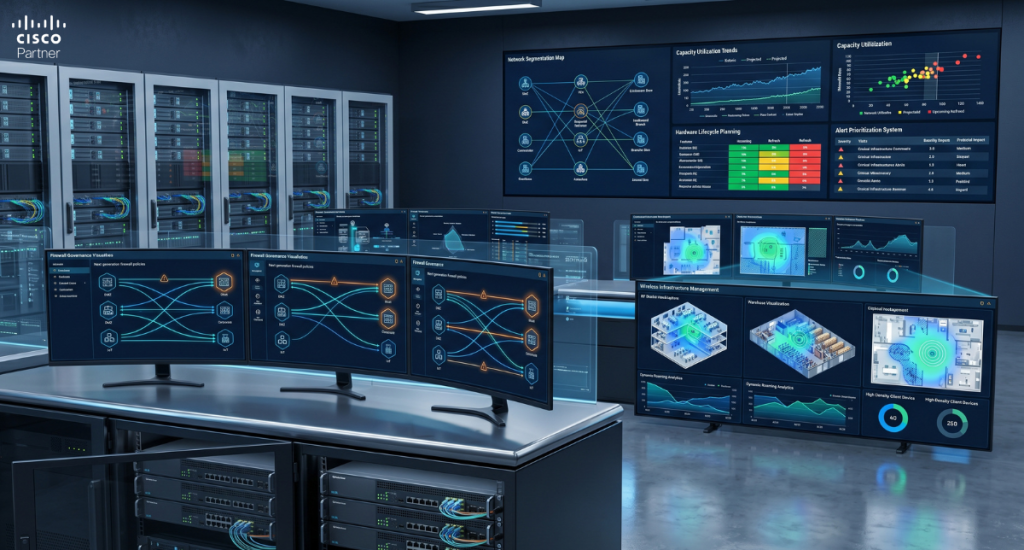
Support teams often know where the network is straining before leadership does. A branch link runs hot during business hours. An access layer is supporting more devices than it was designed for. Hardware is still operational, yet support effort around it keeps climbing. These are not theoretical signals. They are maintenance signals.
Capacity planning should review circuit utilization, wireless client growth, switch demand, AP density, uplink pressure, and redundancy margins.
Lifecycle planning should review hardware age, support dates, software support status, license timelines, and repeated incidents tied to specific device classes or locations.
This work keeps the business from sliding into forced projects.
It also helps the team distinguish between support failures and design limits. Some recurring incidents are not support problems at all. They are capacity problems that support has been masking temporarily. A mature maintenance program identifies that early and routes it into planning before the next growth step makes the problem more expensive.
A business network rarely depends on one provider. There are carriers, hardware vendors, cloud providers, cabling contractors, local site contacts, and sometimes outside support partners. When ownership is vague, resolution drags. The same issue gets retold to several parties, and no one drives it end-to-end.
Vendor ownership should be defined before the next incident. Who opens the ISP ticket? Who handles hardware support? Who approves urgent changes? Who communicates status to the business? Who confirms the issue is actually closed and not only quiet for the moment? These answers should not be invented during a fault.
This is one area where network management services often reduce friction. A lean internal team may not need help with architecture every day. It may need help with monitoring, escalation handling, maintenance scheduling, and vendor follow-through. For organizations reviewing support load, that can be a more useful conversation than a vague search for “more IT help.”
The strongest support teams review their own support process. Which alerts were ignored too often? Which tickets stayed open too long? Which changes caused repeat problems? Which documentation gaps slowed response? Which sites consumed too much reactive attention? Those questions keep the maintenance program honest.
A quarterly operational review should not be a pile of generic stats. It should identify repeated failure patterns, weak maintenance habits, and the changes most likely to reduce future support burden. This is where a network stops being “maintained” in the loose sense and starts being run with intention.For organizations that want stronger day-to-day control, the practical next step is a maintenance review that covers documentation, monitoring, configuration management, backup and restore, firmware upgrades, firewall policy, wireless workflow, and capacity planning together. Stratus Information Systems can help with that through our network management and design services and operational support.