Global enterprises increasingly host workloads across public cloud platforms such as AWS and Azure. In this environment, where applications, data, and users may span regions and continents, network architecture must handle high throughput, enforce security, and integrate with cloud resources seamlessly. Traditional hardware‑based VPN hubs or edge appliances often struggle with scalability, agility, or performance.
Luckily, Meraki networking provides a solution built for this cloud era. The virtual Meraki vMX appliance allows organizations to connect sites, data centers, and cloud regions with unified policy, visibility, and management. With Meraki, IT teams avoid fragmented infrastructure and instead deploy scalable, secure connectivity across AWS, Azure, and beyond. Stratus Information Systems helps you map your path to a cloud‑first network that scales and protects every link.
Modern workloads move fast and scale dynamically. They rely on cloud services across multiple regions, hybrid resources, and distributed user access. Networking environments that can’t adapt become bottlenecks, reducing performance and increasing operational overhead.
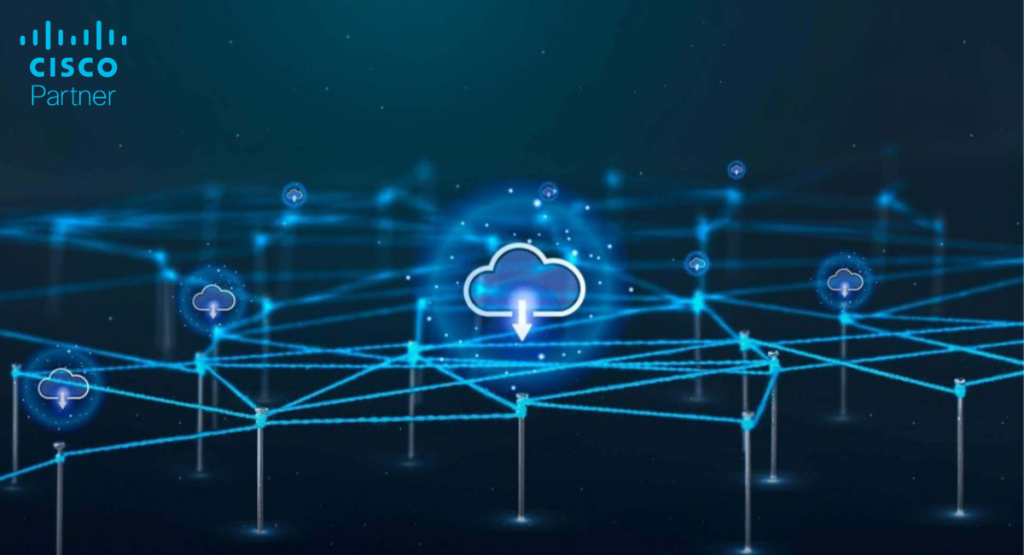
Meraki networking addresses these challenges by extending SD‑WAN and security into the cloud via virtual appliances. The Meraki vMX family supports site‑to‑site, site‑to‑cloud, and cloud‑to‑cloud traffic flows on a unified fabric. This approach simplifies design and enforces consistent policies across cloud gateways, headends, and branches. When AWS or Azure becomes part of your core network, you need an infrastructure that scales and stays secure.
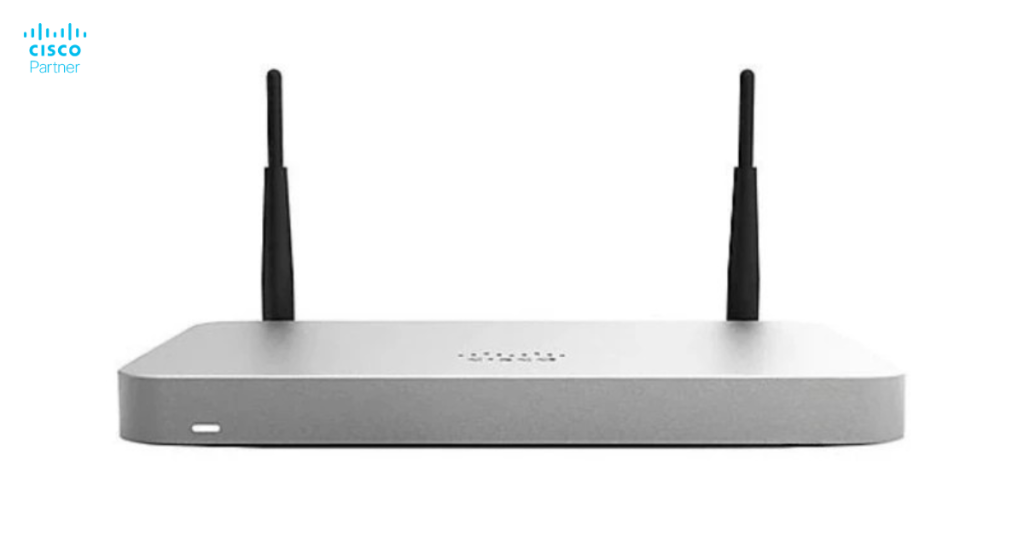
The Meraki vMX is a virtualized gateway designed for cloud deployments. It acts as a secure SD‑WAN hub and VPN termination point in AWS, Azure, or other cloud platforms. It supports Meraki Auto VPN for rapid, zero‑touch connectivity to branch MX appliances or virtual networks. From the Meraki Dashboard, you provision the vMX instance, apply routing policies, monitor tunnels, and manage cloud interconnect.
The vMX family scales by offering different performance tiers. For example, the datasheet shows vMX‑Small at up to 200 Mbps, vMX‑Medium at up to 500 Mbps, and vMX‑Large at up to 1 Gbps, with thousands of tunnels supported.
With the vMX model, Meraki networking ensures you have the same central policy and management across your entire footprint on‑premises, in the cloud, and at the edge.
Deploying a virtual gateway such as the Meraki vMX in AWS or Azure removes the need for physical VPN hubs or firewalls in each cloud region. Instead, one managed appliance handles encrypted connectivity, site‑to‑cloud, and cloud‑to‑cloud traffic in one place.
Meraki’s SD‑WAN capabilities enable application‑aware traffic shaping, direct cloud breakout and automatic tunnel formation. Branch offices no longer need to backhaul traffic to a central location; they may connect directly into the cloud gateway and benefit from policy and visibility.
In Azure, you can deploy the vMX in a hub‑spoke topology using Azure VNets, route tables, and Network Security Groups, while leveraging availability zones and load balancing. In AWS, you pair the vMX with Transit Gateway or Cloud WAN to deliver high scale and resiliency. Meraki networking gives you one dashboard, one policy set, and full monitoring across the cloud, branches, and data centers.
In AWS, you deploy the vMX via the AWS Marketplace or using templates. You define a VPC, create an SD‑WAN subnet, attach the vMX, configure routing, and firewall rules. Meraki provides integration with Transit Gateway or private connectivity for large inter‑region architectures.
Auto VPN automatically connects branch MX firewalls or Z3 appliances to the vMX instance to establish encrypted tunnels from the Meraki Dashboard. Traffic is visible, monitored, and managed centrally.
During setup, enterprises should define route tables, security groups, and availability zones properly. Monitoring the tunnel health, traffic volume, and uptime from the Meraki Dashboard gives visibility without installing additional tools.
In Azure, you deploy the vMX appliance as a managed application from Azure Marketplace. You place it in a dedicated subnet, separate from production workloads, to avoid routing loops. Configure route tables and Network Security Groups as Meraki documentation recommends.
You can integrate with Azure Virtual WAN or hub‑spoke architectures, connect multiple branches, cloud regions, or data centers. Use Azure load balancers or gateway load balancers for high availability.
Meraki Dashboard continues to handle tunnel status, routing visibility, and firmware updates, enabling consistent management across all environments.
Meraki networking unifies all network nodes, branches, cloud gateways, wireless access points, switches, and sensors into a single platform. You define a single set of policies, a single configuration framework, and a single monitoring interface.
A consistent policy means you treat a user at a branch, a remote worker, or a cloud‑based service the same way. You eliminate silos, reduce configuration drift, and speed roll‑out.
Whether you use MX appliances on site or vMX gateways in the cloud, you operate from one dashboard. Deployment templates and Auto VPN enable rapid expansion into new regions or new cloud contexts without separate tool‑chains.
The Meraki vMX supports high performance and scale. Licensing comes as subscription software, no hardware refresh is needed. You pay for the cloud image, dashboard access, updates, and support.
Because the virtual appliance runs in your cloud environment, you scale by selecting the right size and region rather than buying physical hardware. Stratus Information Systems can help you choose the correct SKU and license tier to meet your throughput, redundancy, and branch‑count requirements.
Stratus Information Systems is an expert deployment partner for Meraki networking across cloud, branch, and hybrid contexts. We assist with architecture design, routing, licensing, configuration templates, and automation.
Our team ensures your cloud‑network strategy achieves performance, security, and manageability, from selecting the right vMX size to rolling it out and integrating with your Meraki Dashboard. With Stratus, you minimize risk, accelerate deployment, and manage your network with confidence.
Build Your Secure Cloud Network with Stratus
If your organization requires scalable, secure, and high‑performance cloud connectivity in AWS and Azure, now is the time to modernize. Meraki networking offers a unified fabric from branch to cloud.Contact Stratus Information Systems to design, deploy, and manage your Meraki cloud networking strategy. Let our team support your move into a 100‑percent cloud‑ready, centrally managed network.