If you’ve recently purchased Cisco Meraki equipment or are planning a network upgrade, you’ve probably encountered the term “per-device licensing” and wondered how it differs from the legacy licensing model many organizations still use.
The confusion is understandable. Cisco transitioned from co-termination licensing to per-device licensing, and mixing the two models can create unexpected complications and costs.
This guide breaks down both licensing approaches, explains when and how to use each, and helps you avoid costly mistakes when purchasing Meraki licenses.
Cisco Meraki is a cloud-managed networking solution that requires an active license subscription for each device to access the cloud dashboard, receive firmware updates, and enable full functionality.
Unlike traditional networking hardware that you purchase once, Meraki operates on a subscription model where licenses must be renewed periodically (typically 1, 3, 5, 7, or 10 years).
Without an active license, Meraki devices lose cloud management capabilities and many advanced features, essentially becoming non-functional for most use cases.
Legacy Co-Termination Licensing (Pre-2020)
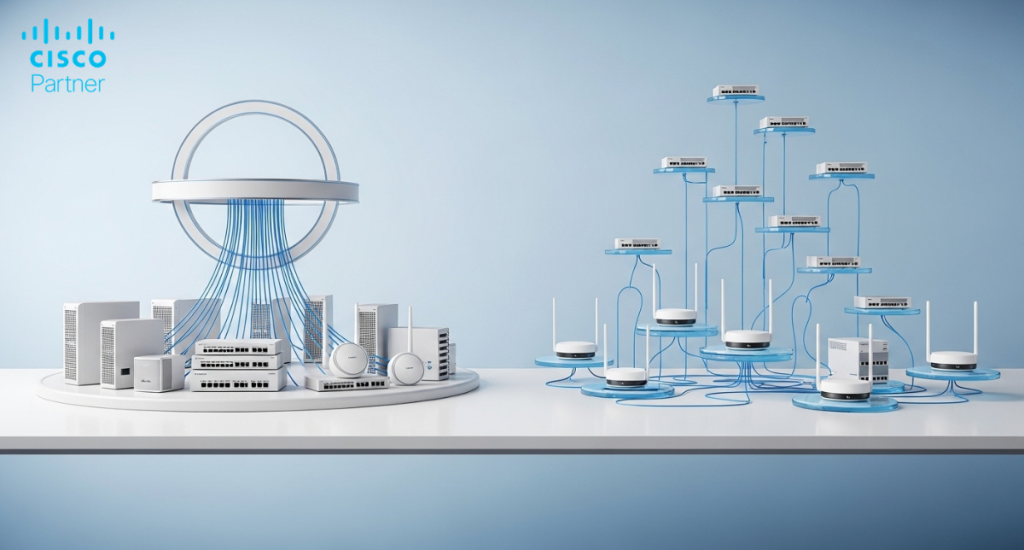
Under the legacy model, all licenses for devices in your network were synchronized to expire on the same date, called the “co-termination date.”
When you added a new device mid-term, you purchased a license for the remaining time until your co-termination date. At renewal time, you renewed all devices simultaneously, which simplified budgeting and procurement.
Benefits:
• Simplified renewal process (one date for everything)
• Easy budget planning (single annual expense)
• Reduced administrative overhead
Drawbacks:
• Wasteful for mid-term additions
• Inflexible for different renewal cycles
• Complex calculations when adding devices
Per-Device Licensing (Current Standard – 2020+)
Each Meraki device has its own independent license with its own expiration date. When you purchase a device, you buy a license for a specific term, and that license applies only to that device. You can renew licenses individually or in groups.
Benefits:
• Flexibility to renew devices on different schedules
• No wasted partial-year licenses
• Simpler pricing with no proration
• Better control over individual device lifecycles
Drawbacks:
• Multiple renewal dates to track
• Requires stronger license management
Technically yes, but it’s complicated and often not recommended. New devices can run on per-device licenses while legacy devices stay on co-termination – or you can align everything. Full conversion at renewal time is the cleanest path forward.
One customer purchased 5 new Meraki licenses thinking they could run alongside legacy devices. After activation, Cisco required all 60 existing devices to be re-licensed – a 12× cost increase. This happens far too often.
Choose Per-Device Licensing If:
• You’re purchasing new Meraki equipment
• You have a distributed rollout over months or years
• You want device-level control (e.g., longer terms for Meraki MX firewalls than for wireless access points)
Stick with Legacy Co-Termination If:
• Your current deployment is stable and everything already renews together
• You prioritize one annual budget line item
• You’re not adding many new devices
2020: Per-device introduced
2022: Per-device became default for new purchases
2024–2026: Legacy still supported but phasing out
Future: Full per-device model expected
Log into your Meraki Dashboard → Organization → Configure → License Info.
• Single co-termination date = Legacy
• Individual expiration dates = Per-Device
• Match license terms to hardware lifecycle
• Buy longer terms (3-, 5-, 7-, or 10-year) for stable deployments — they deliver the best per-year pricing
• Consolidate renewals into one quarter even under per-device licensing
• Time purchases around Cisco promotions
✅ Per-device licensing is now the standard for new Meraki purchases
✅ Legacy co-termination still works but is being phased out
✅ Mixing models adds unnecessary complexity
✅ Always check End-of-Life dates before buying multi-year licenses
✅ Work with a partner who understands your full environment
Confused about which model is right for your organization? Stratus Information Systems specializes in Cisco Meraki deployments and licensing strategies. We help organizations avoid costly mistakes and optimize every dollar spent on Meraki.Contact us today for a free licensing consultation and buy the right Meraki licenses the first time.