It can be a little confusing when selecting Cisco Switches. Should you choose one for a campus network or a branch network? Is there really a difference? Does it even matter?
Get to know the basics of switches a bit better first. Or, skip straight to learning what’s the difference between campus vs. branch networks and which should choose, campus vs. branch network.
Before we move on, we need to clarify a few things. First, what are switches?
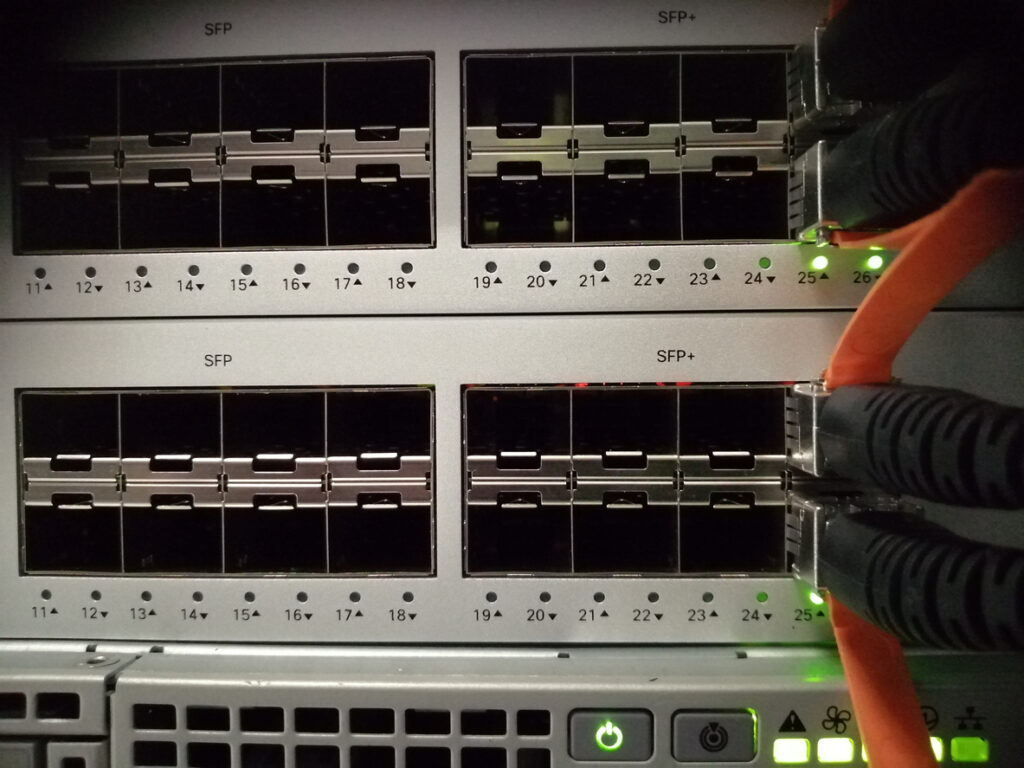
A network switch connects devices with the cloud so they can share information with each other, regardless of their location. Such devices include servers, wireless access points, computers, and security cameras-all examples of computer equipment managed within a network.
Cisco Meraki MS switches are easy to administer and scale using zero-touch provisioning. The Meraki dashboard gives real-time visibility and makes remote troubleshooting possible.
Before you read any further, you should know for sure if you need a switch or a router. Read our resource Switch vs Router? How to Decide What Your Business Needs to get your answer.

There are two different categories of Cisco Meraki switches. Are They Right for Your Business?
Modular switches: These are application-specific and allow you to add expansion modules for flexibility as your network requirements change, including needs for firewalls, wireless connectivity, or network analysis.
Fixed-configuration switches: These provide a fixed number of ports, so they’re typically not expandable.
These three types of Cisco switches fall into the fixed-configuration category:
Unmanaged switches: These provide basic connectivity-plug and play. They are typically used in homes, conference rooms, and labs.
Smart switches: These offer some management and segmentation, quality of service, and security capabilities. They are deployed for smaller/low complexity networks or at the edge of a large network.
Managed switches: These deliver comprehensive features to provide the best experience, security, control, and scalability. Managed switches leverage advanced networking technologies such as high-capacity switching, routing, and support for the latest wireless standards, making them ideal for aggregation/access roles in very large networks.
A data center switch is used mainly for larger enterprises and cloud providers. It is notably useful for those who rely heavily on virtualization.
A campus network has one or more LANs in a building (or multiple buildings) to support hundreds or thousands of users in a geographically close area. For this to work, a lot of switches must be connected to each other in a logical, scalable design. Campus networks typically run their own computer equipment and infrastructure on-premise to support high-performance, localized data sharing. Environments such as university campuses or a government agency often require advanced failover mechanisms and robust network security to ensure seamless connectivity and uptime.
A branch network (also called software-defined branch networking) is an internet-oriented approach to connecting network sites across an organization’s satellite branch offices. Branch office locations rely on cloud solutions and centralized network management to connect distributed sites, and modern branch or campus networks often integrate security features such as zero trust and end-to-end encryption. Branch locations benefit from optimized traffic paths and advanced wi fi technologies to ensure seamless connectivity and maintain application performance. These different environments-whether a campus or branch network-require tailored infrastructure and network management strategies to address their unique operational, security, and performance needs.
For more detailed information about these two, read our resource Cisco Switches: Campus vs. Brand Networks.
Branch and campus networks are the backbone of modern organizations, but they come with their own set of challenges that can impact daily operations and long-term growth. One of the most common issues is managing network traffic efficiently. As the number of users, devices, and applications grows, both campus and branch networks must handle increased data loads without sacrificing network performance or user experience.
Ensuring seamless connectivity across multiple locations is another major concern. Whether it’s a sprawling corporate campus or a network of branch offices, uninterrupted access to internal resources, cloud services, and business-critical applications is essential for productivity. Any disruption in connectivity can lead to downtime, lost revenue, and frustrated users.
Data security is also a top priority. With sensitive information constantly moving across the network, both campus and branch environments must guard against security threats, unauthorized access, and data breaches. Maintaining robust security policies and compliance standards is especially challenging when managing distributed sites and remote users.
Operational efficiency is often tested by the need to monitor, manage, and troubleshoot network issues in real time. IT teams must have visibility into network health and performance, regardless of location, to quickly resolve problems and optimize resources.
Ultimately, the common challenges in branch and campus networks revolve around balancing high performance, secure connectivity, and efficient management-ensuring that users and devices can connect, collaborate, and access data reliably, wherever they are.
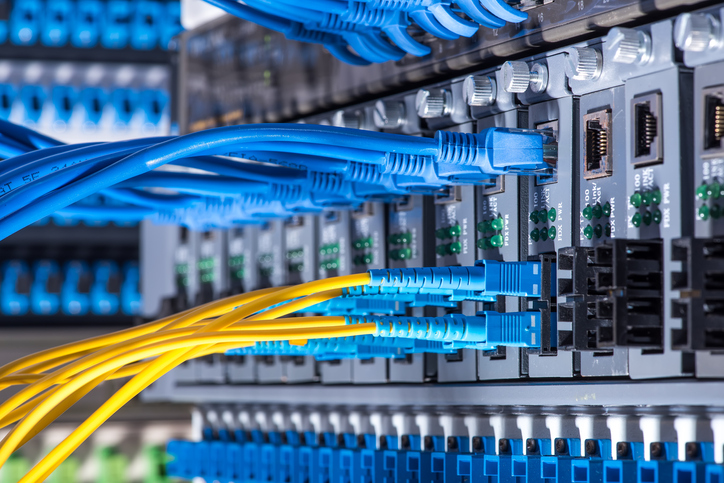
To get right to the point, choose a campus network when your organization needs to connect and communicate with various buildings and outdoor premises throughout a geographical area, like a large company campus, university campus, administration block, town center, shopping mall, or military base.
Here are your options for stackable access switches for a campus network:
Choose a branch network when your organization is a multi-site company of any size, like a school system, retailer, financial institution, or other business that has a main branch and satellite company locations that need to communicate with each other.
Here are your options for aggregation switches for a branch network:
If you’re unsure what you need, reach out to Stratus for advice on which one is the best fit for your business.
When you’ve got questions, we have the answers. Whether you want more information on networks, switches, or any other Cisco Meraki solution, we’re here to help.
Contact Stratus Information Systems today!